Start Music Production Completely Free: A Comprehensive Comparison of Recommended Free DAWs

We will highlight DAWs (Digital Audio Workstations) that are completely free to download and use—not trial versions—and provide an overview of each!
INDEX
1. What Are Free DAWs You Can Use?
Basic Overview and Role of a DAW
A DAW, short for Digital Audio Workstation, is software used for music production that runs on computers or mobile devices. With a DAW, you can record instruments, create electronic music, and apply effects. In other words, a DAW is a comprehensive music production tool that consolidates instruments, effects, and recording equipment.
For example, you can recreate realistic sounds using virtual instruments for piano, guitar, drums, etc., and construct melodies or chord progressions within the DAW. A DAW is an essential tool for enjoying digital music production (DTM).
Advantages and Disadvantages of Free DAWs
The biggest advantage of a free DAW is, as the name implies, that it’s free to use. For those just starting music production, it’s an ideal choice to learn basic functions while keeping costs low. Most free DAWs include all the essential tools for music creation, such as piano rolls, audio editing, and basic effects.
On the other hand, the downside is that compared to paid versions, free DAWs often have limited features, fewer sound libraries, and reduced plugin compatibility. Some may struggle with processing large projects or lack advanced editing capabilities required by professionals.
Understanding the Differences from Paid Versions
The differences between free and paid DAWs mainly appear in functionality and flexibility. Paid versions often provide high-quality sound libraries, detailed editing tools, and advanced effects tailored for professional music production. Many paid DAWs also have fewer restrictions on track counts or export formats compared to free versions.
Free DAWs may have limitations on certain features or plugins. However, they still offer sufficient functionality for basic music production, making them suitable for beginners.
When switching DAW software, the workflow and file management may differ, so it’s important to be mindful of these changes.
Top 5 Recommended Free DAWs: Features and Functions
Cakewalk by BandLab: Professional Free DAW for Windows
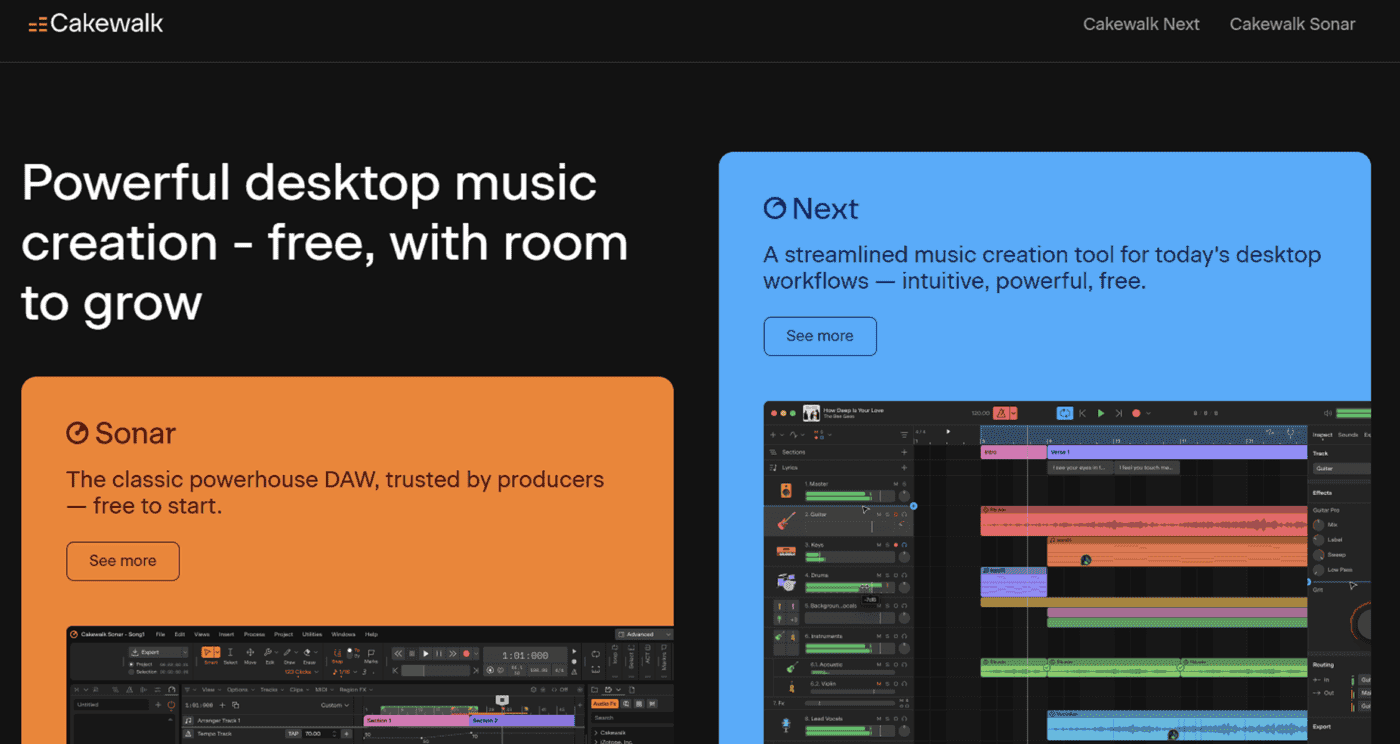
Cakewalk by BandLab is a free music production software (DAW) for Windows. It offers professional-grade features, including multi-track recording, MIDI editing, mixing, and VST plugin support, enabling commercial-level music production.
However, it is only available for Windows, so Mac users cannot use it. It is highly recommended for Windows users seeking a high-performance free DAW.
https://www.bandlab.com/products/cakewalk
Waveform Free: Unlimited Tracks & Highly Functional!
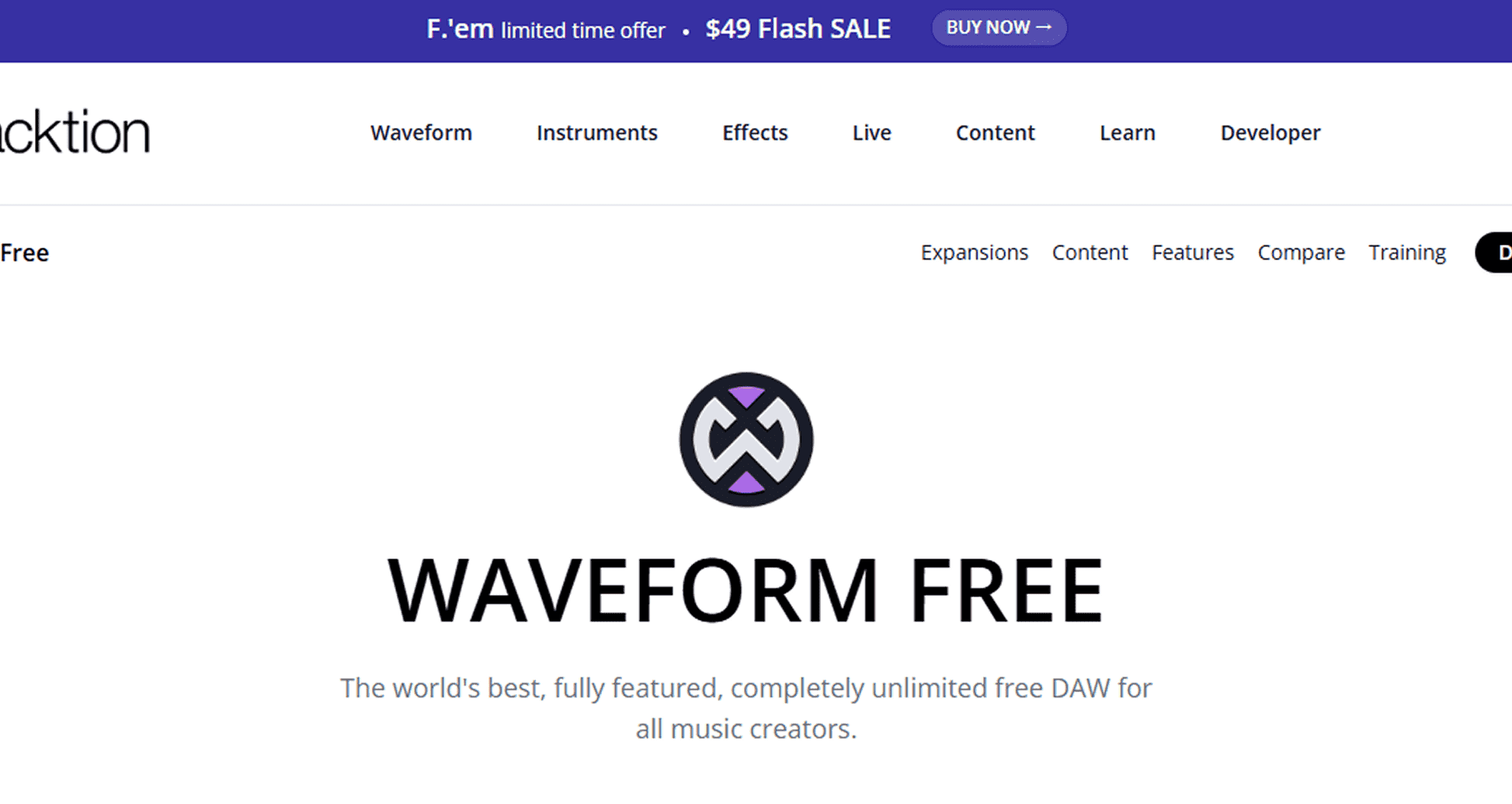
Waveform Free is a free DAW developed by Tracktion, compatible with Windows, Mac, and Linux, allowing anyone to download and use it freely.
Its standout feature is that, despite being free, it has no limits on track count or recording time and includes all essential tools for serious music production, such as audio recording/editing, MIDI input, effects, and plugin usage. The interface is slightly unique, but once accustomed, it allows for highly flexible work. It’s perfect for those who want to create music without spending money and need a free DAW that works on Mac or Linux.
https://www.tracktion.com/products/waveform-free
LMMS: Specialized for Sequencing!
LMMS (Linux MultiMedia Studio) is a free, open-source DAW. Despite the name, it works on Windows, macOS, and Linux. Its interface and workflow resemble FL Studio, using a loop-based approach to construct songs. You arrange patterns for drums, synths, bass, etc., making it ideal for EDM, hip-hop, and other sequencer-heavy genres.
It supports VST plugins, allowing you to expand your sound palette with free synths and effects. Recording capabilities are limited, so it’s more suitable for sequencer-based production than vocal/instrument recording. LMMS is lightweight, fast, and ideal for those with less powerful computers, making it perfect for beginners or those who want to dive into sequencing without spending money.
Audacity: Standard for Narration and Podcast Production
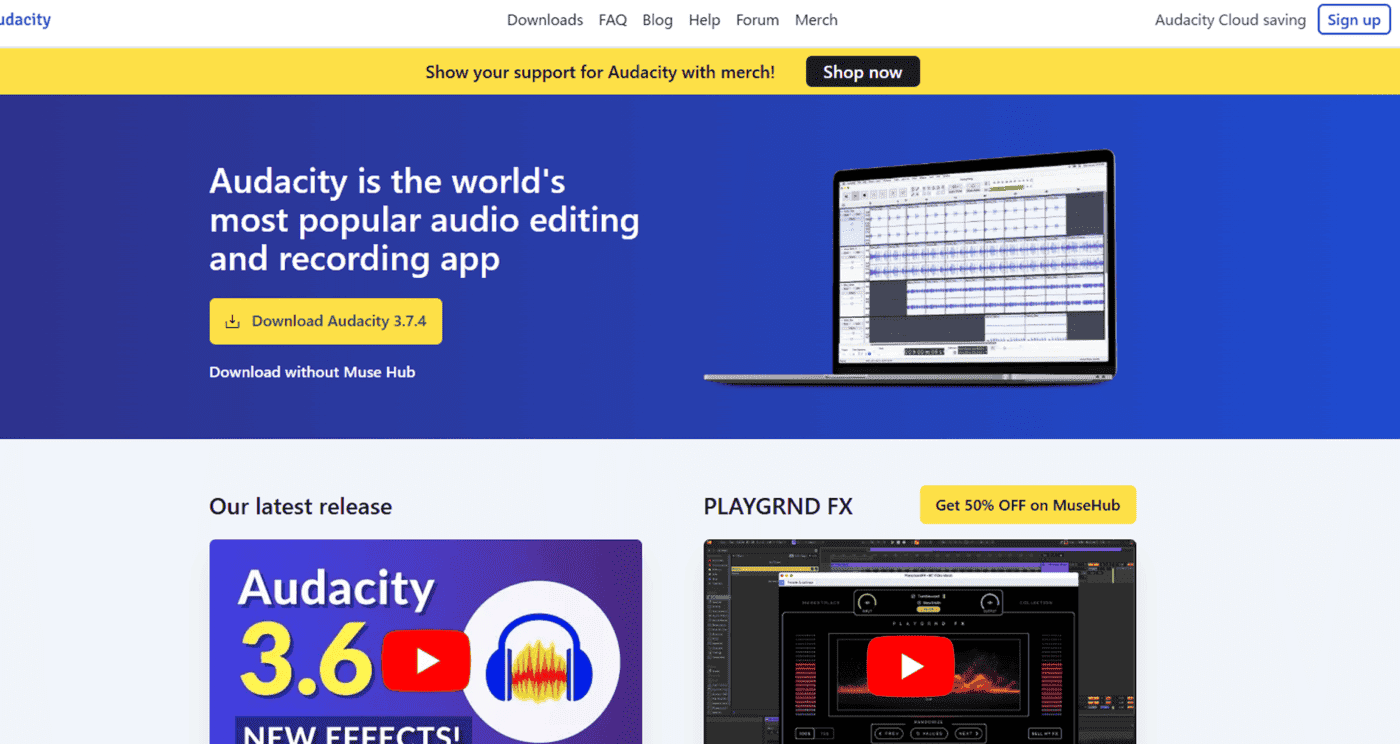
Audacity is a fully free audio editing software available on Windows, macOS, and Linux. It specializes in audio recording, editing, and processing, widely used for radio, podcasts, narration, and other audio work.
The interface is simple: press the record button to start recording and edit by trimming, copying, removing noise, and adjusting volume while viewing the waveform. Multi-track editing allows layering multiple audio sources or adding background music.
However, it is not a full-featured DAW for professional music production, so MIDI editing and composing with soft synths are limited. It is best suited for narration editing, simple remixes, or audio file processing/conversion. Its lightweight and stable operation make it ideal for beginners looking to try audio editing.
SoundBridge: Intuitive UI That Stands Out!

SoundBridge is a free DAW available for Windows and macOS. It features a modern and intuitive interface, designed to be easy for beginners while providing essential music production tools.
It includes multi-track recording, MIDI editing, VST plugin support, built-in drum machines, mixers, and effects. It also supports touch input, making it suitable for tablet PCs.
Although some advanced editing features and Japanese support are limited compared to major DAWs, it still offers sufficient functionality for beginners who want to start composing, recording, and mixing for free. It’s recommended for those looking for a simple and easy-to-use DAW or their first music production software.
3. Recommended Free DAWs by Genre
DAWs Suitable for Pop Music Production
For pop music production, a free DAW with simple usability and a wide variety of sounds is recommended. "Cakewalk by BandLab" offers an intuitive interface to construct melodies and chord progressions.
By utilizing built-in tools such as virtual pianos and drum machines, you can easily create vibrant pop arrangements. DAWs with strong vocal recording and editing features are particularly ideal for pop music, where vocals play a central role.
Best Choice for Electronic Music
For electronic music production, a DAW with a wide range of synthesizers, loop functions, and effects is crucial. "LMMS (Linux MultiMedia Studio)" provides high-performance software synths and rhythm patterns, making it ideal for genres like EDM and house. Additionally, "Waveform Free" includes advanced samplers and effects, allowing precise sound design per track.
Using features like chord players or pitch tools based on music theory can help create more intricate electronic compositions.
Free DAWs for Vocal-Focused Production
For vocal-focused production, choose a free DAW that makes vocal recording and adjustments easy. "Audacity" offers excellent audio editing, enabling pitch correction and noise reduction for vocals. "Waveform Free" provides automatic vocal track adjustments, allowing vocal-centered arrangements. Utilizing guitar or piano sounds as backing can help build simple yet effective vocal tracks.
DAWs Strong in Film and Video Music Production
For film or video music production, a DAW that supports high-quality audio and flexible editing is important. Using tools like "Audacity" for audio editing and "Waveform Free" for vocal adjustments allows for effective arrangement. Combining virtual instruments such as guitar or piano can create layered, dynamic tracks.
If you aim to produce music for films or video projects, experimenting with these DAWs is a worthwhile approach.
4. Article Summary
We have introduced free DAWs.
By reviewing the features of each DAW and trying them out by downloading, you can get a better feel for which one suits your music production style.
Related External Links
Profile

web creator (design + front-end) who loves techno and other music. not only web-related and media business, but also sound production business.
Click here for inquiries,comments, and job requests.